Captcha stage
The Captcha stage adds CAPTCHA verification to a flow by using Google reCAPTCHA or compatible alternatives like hCaptcha and Cloudflare Turnstile.
Overview
This stage verifies that the current interaction appears human before the flow continues.
It can either be bound to a flow or embedded inside the Identification stage by setting the Identification stage's Captcha stage option.
Configuration options
- Public key: CAPTCHA site key.
- Private key: CAPTCHA secret key.
- Interactive: enable an interactive CAPTCHA widget instead of score-based verification.
- Score minimum threshold: minimum accepted score for score-based providers.
- Score maximum threshold: maximum accepted score for score-based providers.
- Error on invalid score: show an error immediately when the score is outside the configured threshold. If disabled, the flow continues and policies can inspect the result from context.
- JS URL: JavaScript loader URL for the provider.
- API URL: verification endpoint URL for the provider.
Flow integration
Use this stage anywhere a flow should require a CAPTCHA check, especially in enrollment, recovery, or other public-facing flows.
If you embed it in the Identification stage, configure the CAPTCHA provider for invisible or background use.
Notes
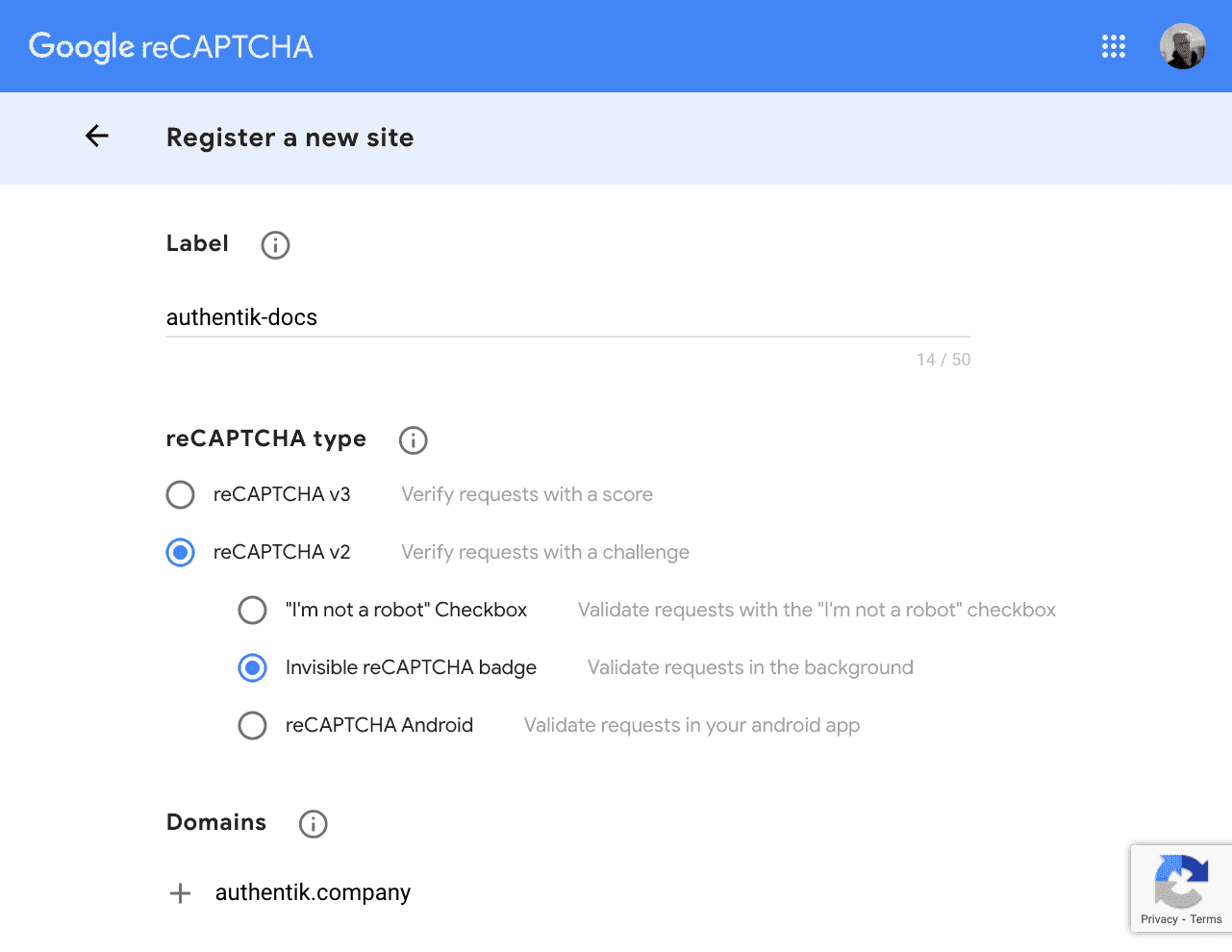
Google reCAPTCHA
Use the keys from https://www.google.com/recaptcha/admin.
Recommended defaults for reCAPTCHA:
- Interactive: disabled for score-based reCAPTCHA
- Score minimum threshold:
0.5 - Score maximum threshold:
1.0 - JS URL:
https://www.recaptcha.net/recaptcha/api.js - API URL:
https://www.recaptcha.net/recaptcha/api/siteverify
hCaptcha
See https://docs.hcaptcha.com/switch.
Recommended values:
- Interactive: enabled
- JS URL:
https://js.hcaptcha.com/1/api.js - API URL:
https://api.hcaptcha.com/siteverify
Score thresholds only apply to hCaptcha Enterprise.
Cloudflare Turnstile
See https://developers.cloudflare.com/turnstile/get-started/migrating-from-recaptcha.
Recommended values:
- Public key: Turnstile site key
- Private key: Turnstile secret key
- Interactive: enable when using invisible or managed Turnstile modes
- JS URL:
https://challenges.cloudflare.com/turnstile/v0/api.js - API URL:
https://challenges.cloudflare.com/turnstile/v0/siteverify
Turnstile does not use score thresholds.
Cloudflare Turnstile setup flow
If you are configuring Turnstile from scratch:
- Create the Turnstile widget in Cloudflare.
- Copy the Site Key into Public key.
- Copy the Secret Key into Private key.
- Enable Interactive if the Turnstile widget is configured as Invisible or Managed.
- Leave score thresholds at their defaults because Turnstile does not use them.